Turn A Flickr Account Name Into A Flickr Account ID Number

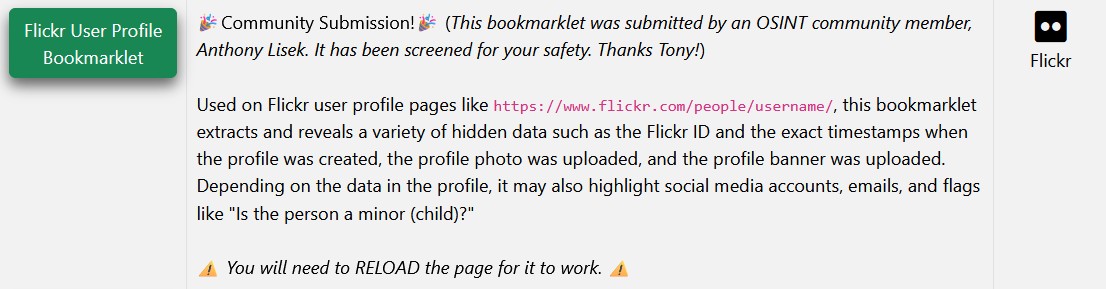
Or install the Flickr User Profile Bookmarklet from MyOSINT.Training, which can be done by adding it to your Browsers Bookmark Toolbar, by either Right Click on the Bookmarklet and select Bookmark Link, or just left click on the Bookmarklet link and then drag it to your Bookmark Toolbar. Then when you are on a Flickr account, make sure you are on the About section, then just click on the Bookmarklet on your Bookmark Toolbar and the account details, such as the account name & account number and the date and time when the account was created, will be displayed.